
BomsAI Studio
BetaMedia player, MilkDrop visualizer, file manager and web browser in one window.
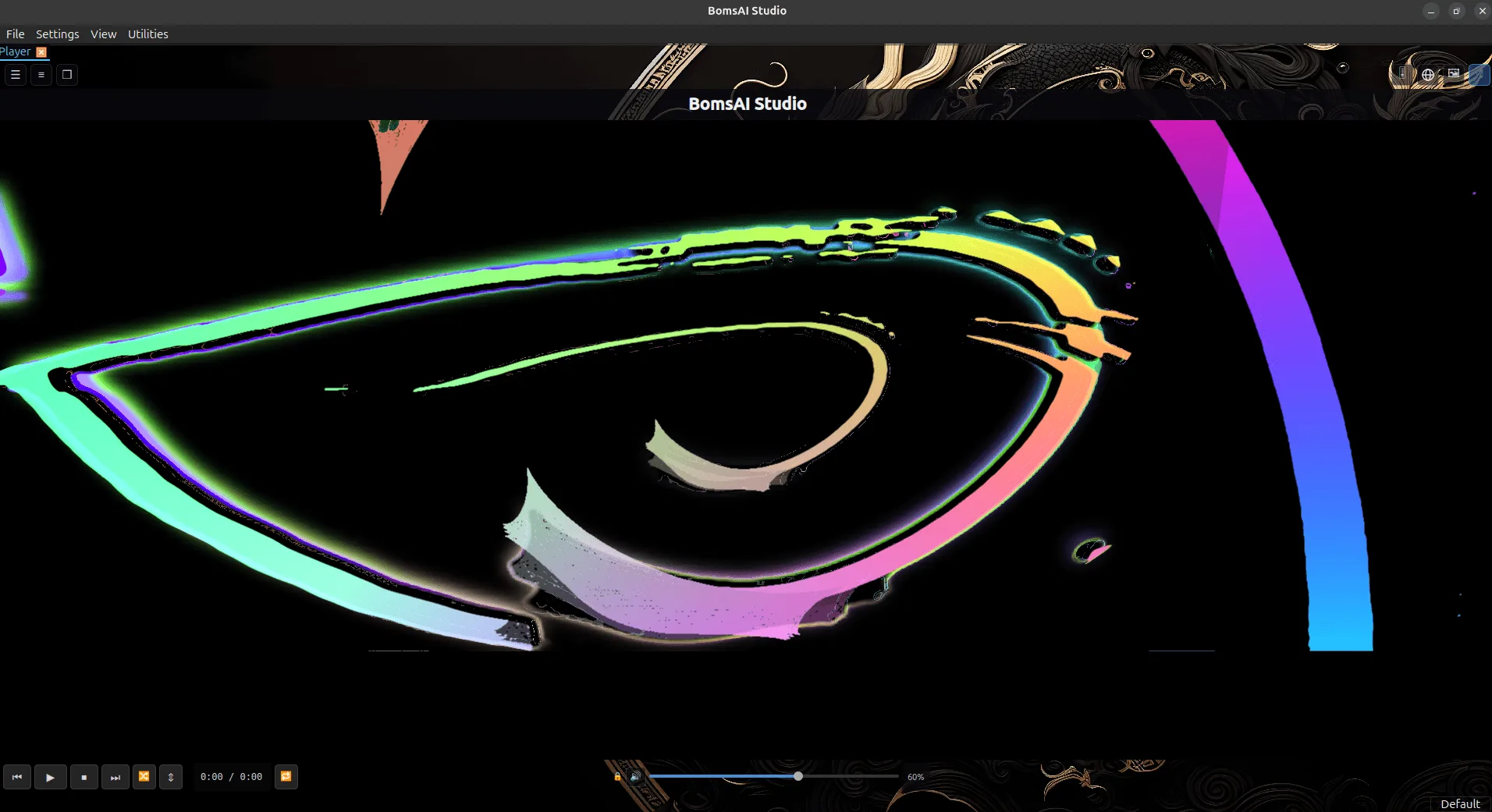
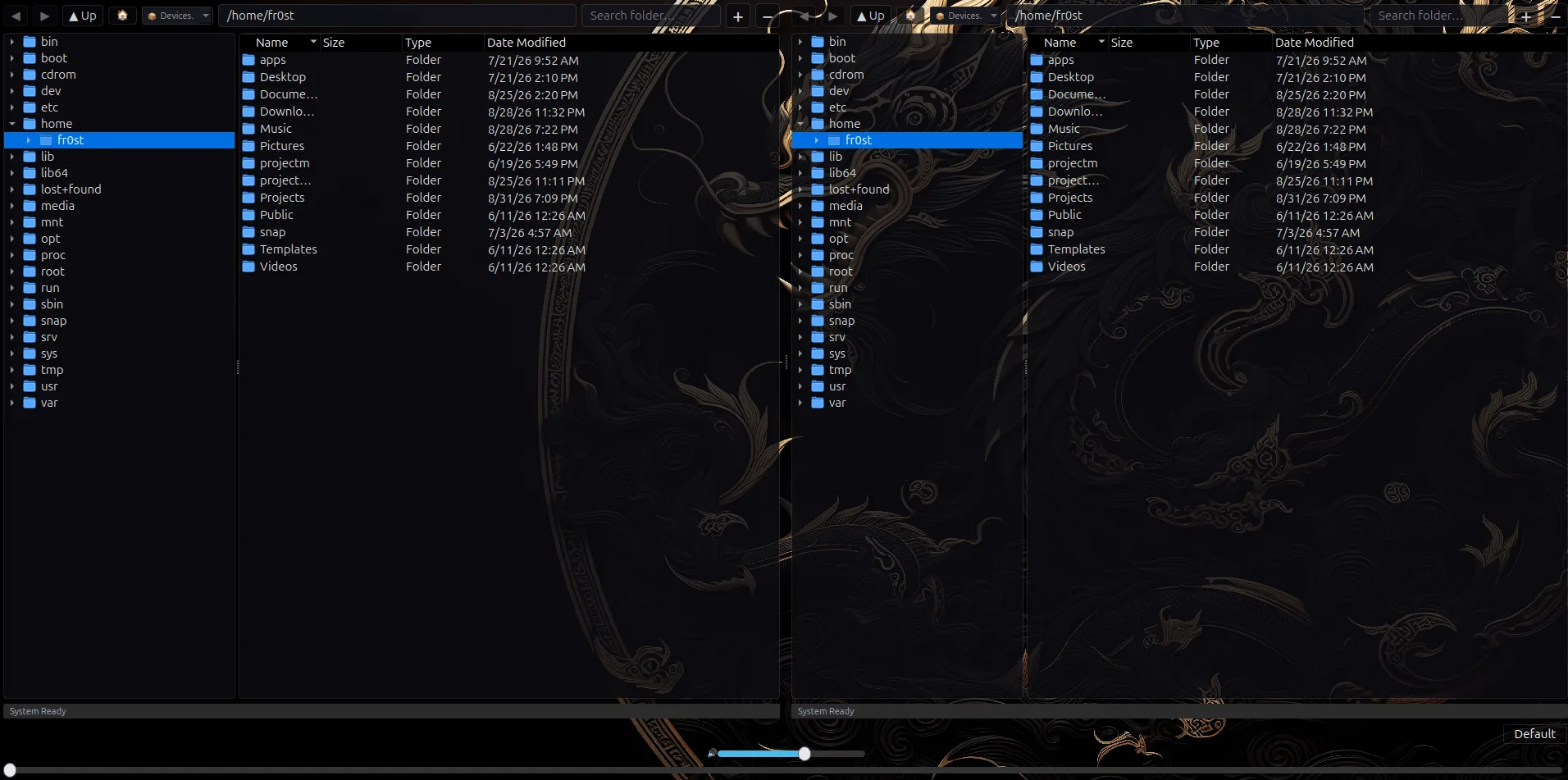
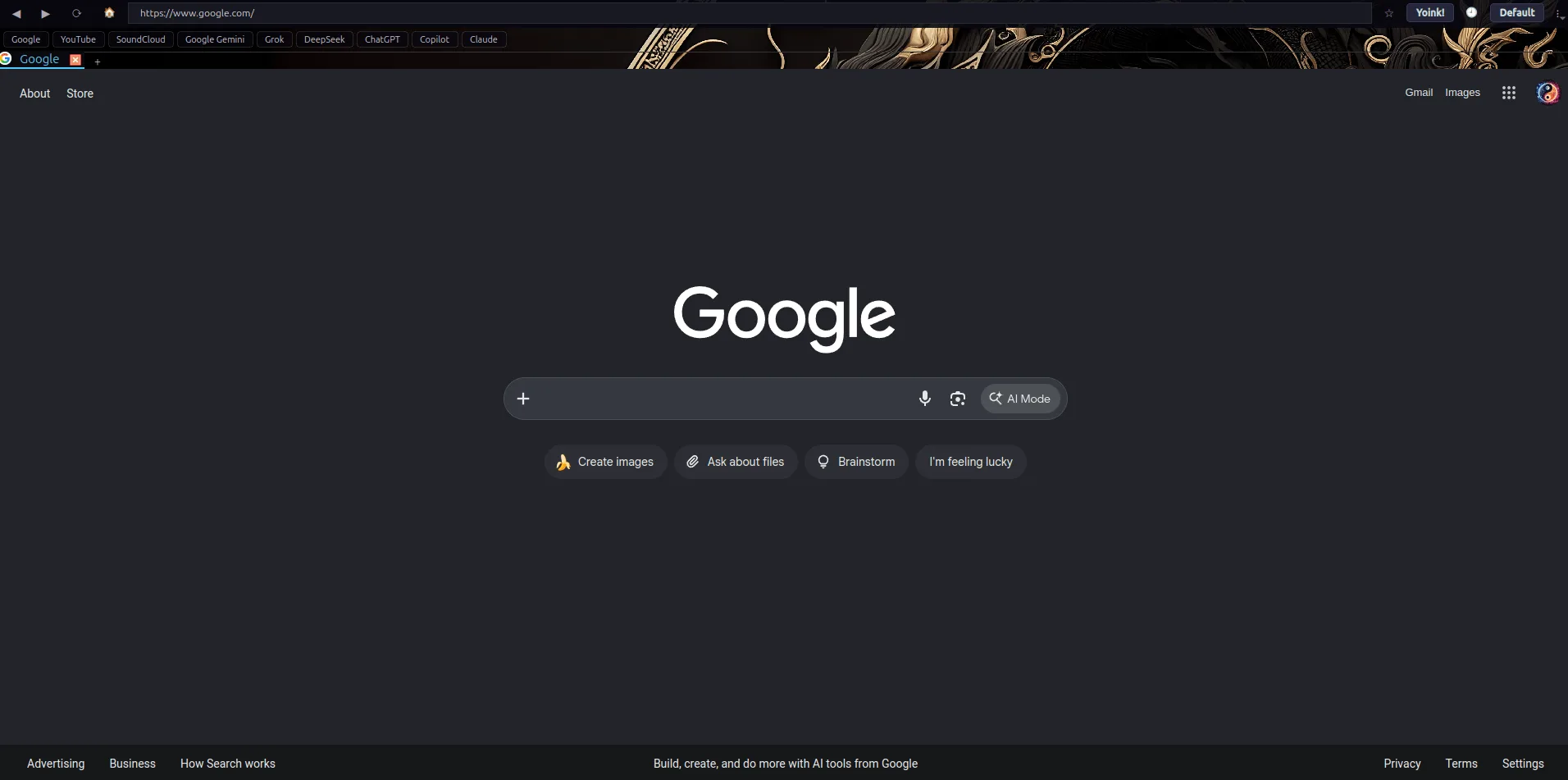
Most media players end at the edge of the playlist. BomsAI Studio keeps going: the visualizer is not a novelty window you open and forget, it is a layer that can sit behind everything else you are doing, and the tabs beside the player are a real file manager and a real browser rather than links that fire up someone else's app.
It is one window, one process, one set of keybindings. Put a folder in, and the same program plays it, shows you the art, draws the waveform, browses the disk it came from and looks up whatever you wanted to look up while it played.
Playback
- Audio: MP3, FLAC, OGG, Opus, M4A, AAC, WAV, WMA.
- Video: MP4, MKV, WebM, AVI, MOV, FLV, M4V.
- A waveform seekbar drawn from the real audio, not a flat progress line — you can see the quiet part you were looking for.
- Per-track volume normalisation, so a playlist assembled out of twelve different sources stops lunging at you.
- Playlists with drag-and-drop ordering, queue control and shuffle.
- Album art pulled straight out of the file, shown fit or stretched.
Visualizer
- projectM — the open MilkDrop engine — embedded in the player rather than bolted beside it.
- Driven by live audio capture rather than a canned animation, and pointed at whatever preset folder you give it.
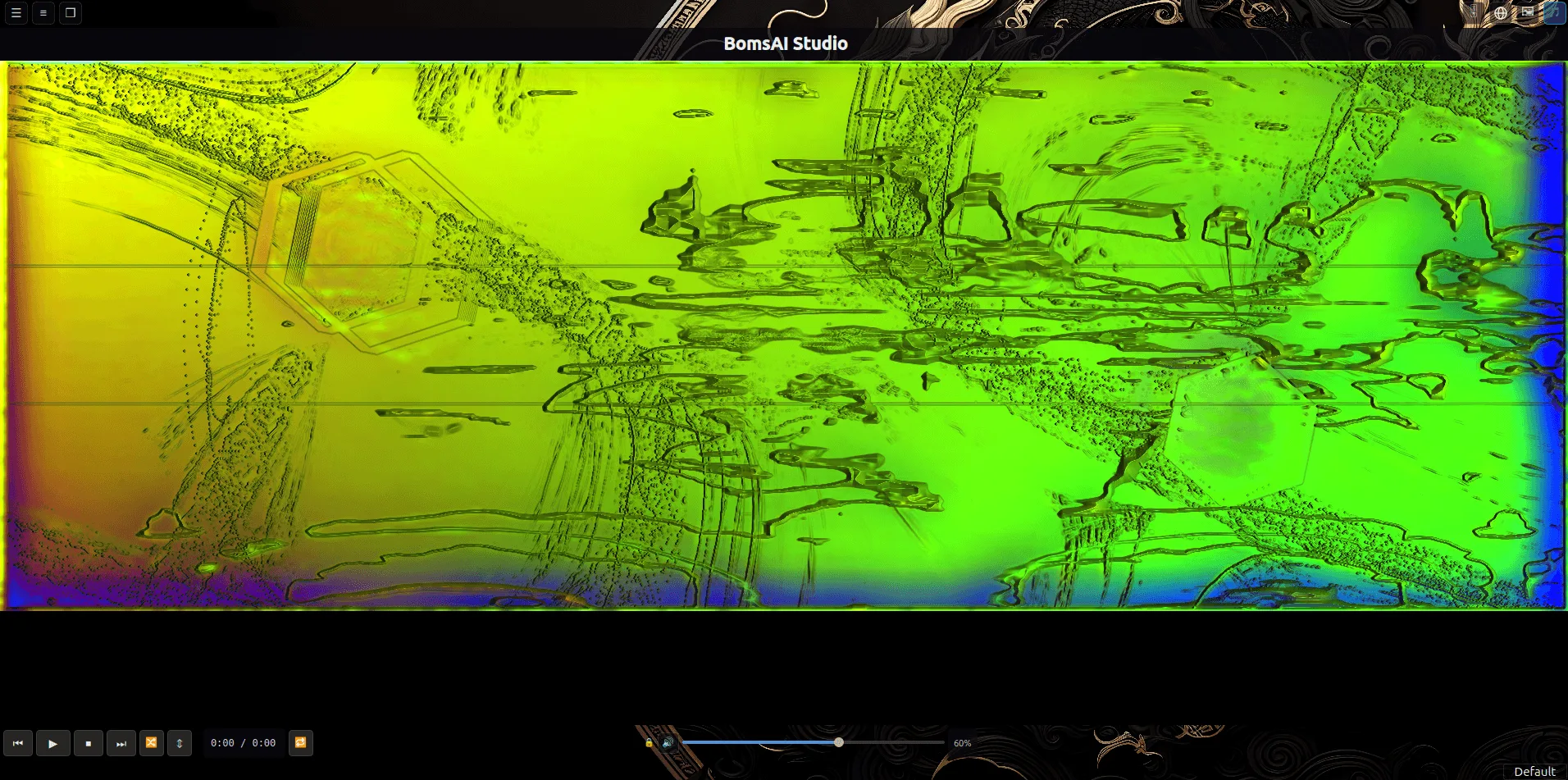
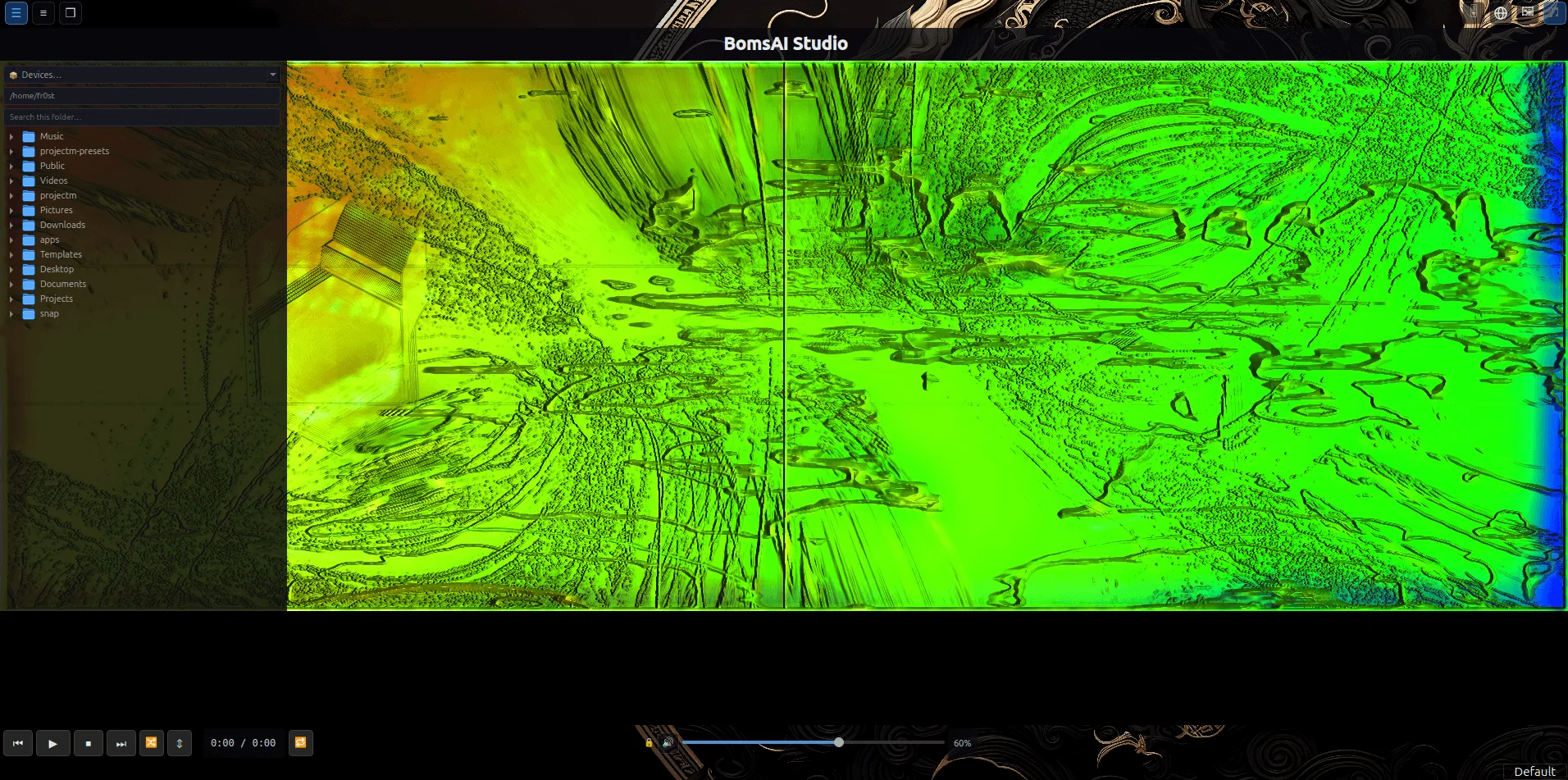
- Runs as a background layer behind every tab, so the file browser and the browser sit on top of it instead of replacing it.
- Album art can take the same slot when you would rather have the cover than the light show.
File browser
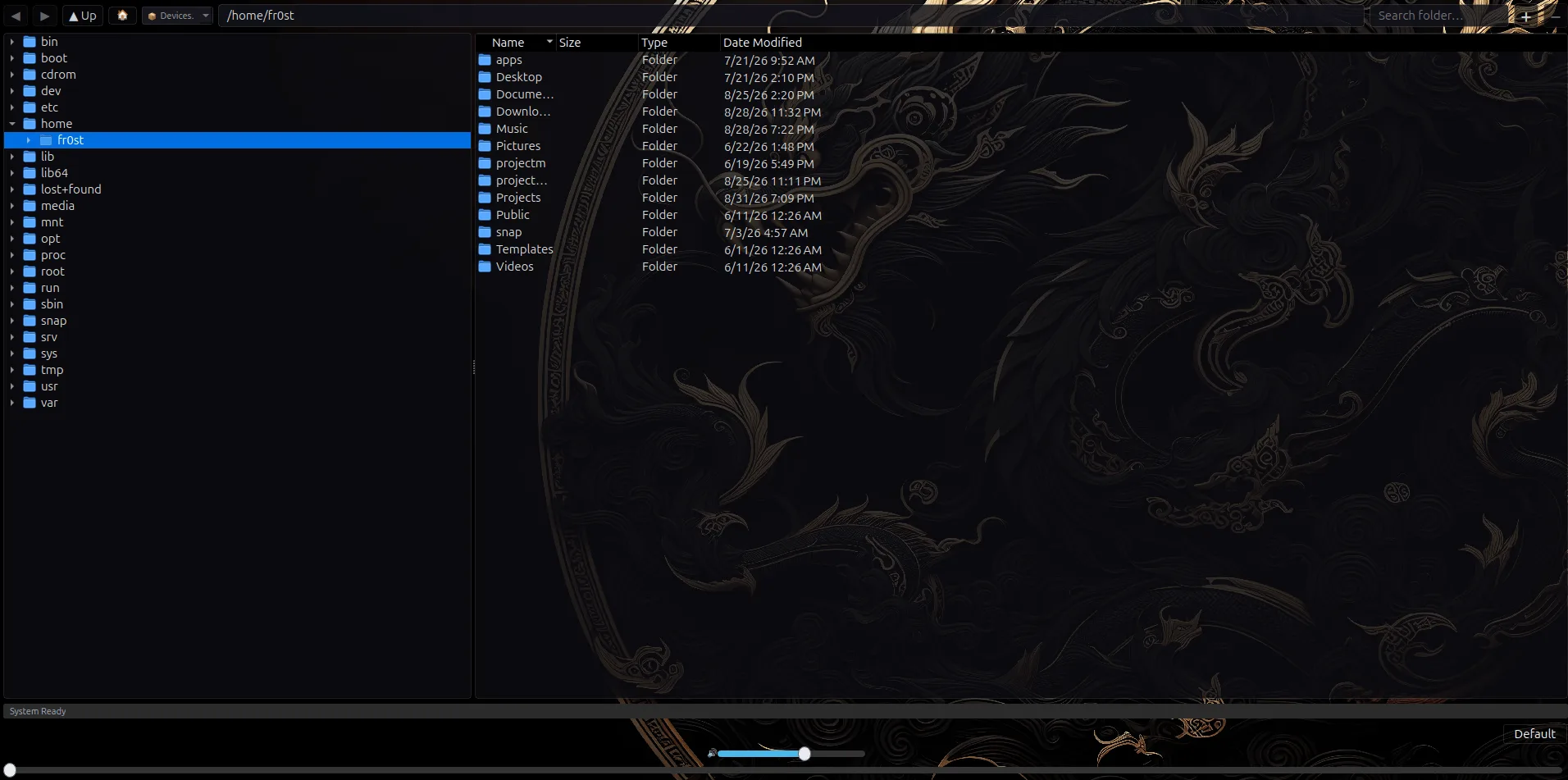
- Filesystem tree beside a sortable detail list — name, size, type, date.
- Split it into two panes and back again; each pane keeps its own path, history and search box.
- Multi-select and recursive folder load straight into the play queue.
- A device picker for anything mounted, so a memory card is one click rather than a path you have to remember.
Web browser
- Tabbed browsing with bookmarks, history and saved logins.
- Ad blocking built in.
- A quick-link row across the top for the handful of sites you actually open.
- Its own settings, kept apart from whatever browser your desktop defaults to.
Utilities and housekeeping
- ID3 tag editor for fixing the metadata that arrived wrong.
- Scan a folder for waveforms ahead of time so the seekbar is drawn before you get there.
- Fully remappable transport and preset keybindings.
- Log viewer, update check, and an option to unload a tab’s background work when you close it.
- Settings, layout and logs live in the usual place for your platform — no hidden state.
Screenshots
The same app on both platforms, Linux on the left. Click any shot to open it full size.
Getting hold of it
BomsAI Studio is in beta and not published for download yet. Want a heads-up when it lands? Say so on the contact page.